


Products
Find your sensor
Three sensors, two ways of measuring. Gobius C measures from the top—radar above the liquid —giving the exact volume as a stepless percentage and, with the Tank Calculator, the true volume in liters. Gobius Pro and Gobius Original measure from the side, reading through the tank wall, metal included, with nothing drilled: Gobius Pro as a level switch you read in the app, Gobius Original as four levels on an LED panel. Which one you need depends on the tank.
Measures from the top
Gobius C — the exact volume, reads from above
The radar in the sensor on top of the tank measures the distance to the liquid—a real percentage that drops as you use the tank.
- Exact volume 0–100 %
- 2 mm resolution
- Tank depth 200–4500 mm
- 12–24 V DC · IP 66
On plastic, polyethylene, or fibre glass, it is fully external: clean the tank top, press the sensor on, calibrate in the app. About fifteen minutes, nothing opened.
Radar can't pass through metal. On steel, stainless steel, or aluminum, it still measures, but needs a small hole fitted in the tank top — that means opening the tank.
Three variants:
Basic (for standard analog gauges, like Faria, KUS, Veratron, Wema, 0-190/240-33 Ohm, and 2 On/Off signals.
All Analog outputs (adds 4–20 mA and 0–5 V) and 2 On/Off signals.
NMEA 2000 (connects directly to your network).
Measures from the side
Gobius Pro — through the tank wall, metal included
Sensors glued to the outside of the tank wall, reading in from the side. All material — steel, stainless, aluminum, polyethylene, fiberglass — with nothing opened or drilled.
- Any material · metal included
- Nothing drilled
- One alarm point per sensor
- Switches lamp · buzzer · pump
Each sensor watches one fixed level and reports when the liquid passes it — an alarm point. Fit several up the wall for a stepped picture: quarter, half, three-quarters, full.
Tank wall thickness sets the limit: steel and stainless <3 mm, aluminium <5 mm, fibreglass <8 mm, polyethylene <12 mm. A sensor can switch a lamp, buzzer, or pump on its own, without the app.
Measures from the side, no app
Gobius Original — four levels on a panel
Three sensors are glued to the outside of the tank, and a small LED panel shows four color levels. Nothing is opened or drilled, and nothing to pair: you read the panel. (Please note: we are changing the name from Gobius 4 to Gobius Original.
- Any material · metal included
- Nothing drilled
- LED panel · no app
- Waste or water/fuel
One version is set up for waste tanks (empty, ¼, ½, ¾ full), the other for water and fuel (empty, ⅓, ⅔, full). The same patented vibration method as Gobius Pro, so steel and aluminium tanks work too.
Turns level into litres
Gobius Tank Calculator — what the tank really holds
A separate app that turns a measured level into true volume on slanted, tapered or irregular tanks.
- Requires a Gobius C
- Litres or gallons
Fill the tank in small steps. The app records the level at each step and builds a level-to-volume profile, so 55 % becomes a number of liters.
A free standalone app— not a subscription and not bundled. It needs a Gobius C to measure; it doesn't work with Gobius Pro.
Side by side
Gobius C, Pro or Original?
Only the rows that change the decision. Gobius C and Gobius Pro read out in the Gobius app over Bluetooth; Gobius Original shows its levels on an LED panel. All three are designed in Sweden.
| Gobius C | Gobius Pro | Gobius Original | |
|---|---|---|---|
| Method | Micro radar, mounted on top | Vibration, mounted on a vertical tank side | Vibration, three sensors on a vertical tank side |
| What you read | Stepless, 0–100 %, resolution 2 mm | A level switch — one fixed point per sensor, never a percentage | Four fixed levels on a wired LED panel — never a percentage |
| True volume, not just a level | With the Tank Calculator app: litres for your tank’s exact shape | ✕ No | ✕ No |
| Fluids | Fresh-, grey- and blackwater · diesel, petrol, oil | Fresh-, grey- and blackwater · diesel, petrol, oil | Waste version: grey & black water · Water/fuel version: fresh water, diesel, petrol, other fluids |
| Alarms | Two, on/of-signal, below and above the sensor — can switch a lamp, buzzer or relay for a pump, set anywhere between 0-100% | Two, on/of-signal, below and above the sensor — can switch a lamp, buzzer or a relay for a pump, set anywhere between 0-100% | One, on/of-signal — can switch a lamp, buzzer or a relay for a pump, one 3/4-full (waste) and one 1/3- empty (water/fuel) |
| Polyethylene tank | Tank wall <12 mm | Tank wall <12 mm | Tank wall <12 mm |
| Fibreglass tank | Tank wall <8 mm | Tank wall <8 mm | Tank wall <8 mm |
| Stainless steel tank | Needs a hole and an adapter | Tank wall <3 mm | Tank wall <3 mm |
| Aluminium tank | Needs a hole and an adapter | Tank wall <5 mm | Tank wall <5 mm |
| App | iPhone & Android · 10 languages · plug & play over Bluetooth | iPhone & Android · 10 languages · plug & play over Bluetooth | No app needed — the LED panel is the display. Instructions in English and Swedish. |
| Lock the sensor to your phone | Yes | Yes | No |
| Share settings and live view | Yes | Yes | No |
| Victron Cerbo GX | Via Bluetooth or cable | No | Cable |
| NMEA 2000 | NMEA 2000 variant | No | No |
| Analog outputs | 0–190 / 240–33 Ω, 0–5 V, 4–20 mA — by variant | No | 0–190 / 240–33 Ω, 0–5 V, 4–20 mA |
| Power | 12–24 V · 25 mA | 12–24 V · 40 mA | 12–24 V DC |
The awkward case is a metal tank where you still want the exact volume, and it does have an answer: Gobius C, with a small hole fitted in the tank top for the radar to look down through. If you will not open the tank, the answer is Gobius Pro or Original, and you accept alarm points at fixed heights instead of a percentage. Nothing reads a stepless through metal from the outside — that is the trade.
Choose Gobius C if…
- Your tank is plastic or fibreglass, so nothing has to be opened.
- You want to know how much is left, not just that a line has been passed.
- Your tank is metal, and the exact volume matters enough to fit a port in the top.
- You want to set alarm levels anywhere, and move them later.
- You want honest liters from an awkward shape, via the Tank Calculator app.
Choose Gobius Pro or Original if…
- The tank is steel, stainless steel, or aluminum and you will not open it.
- You can only reach the tank from the side — the top is boxed in.
- “Nearly full” or “nearly empty” is genuinely all you need, choice Pro.
- You want a fixed level to switch something — a lamp, a buzzer, a pump.
- You are extending an existing Gobius Pro installation.
Plenty of boats end up with both — Gobius C on the plastic water tank, one Gobius Pro sensor on the steel diesel tank — side by side in the same app. Unsure? Send us a photo of your tank: contact support.
By situation
Or start from where the tank lives
Same sensors, different jobs. Each page gives a concrete recipe for that setting — what to put on which tank, and what it costs.

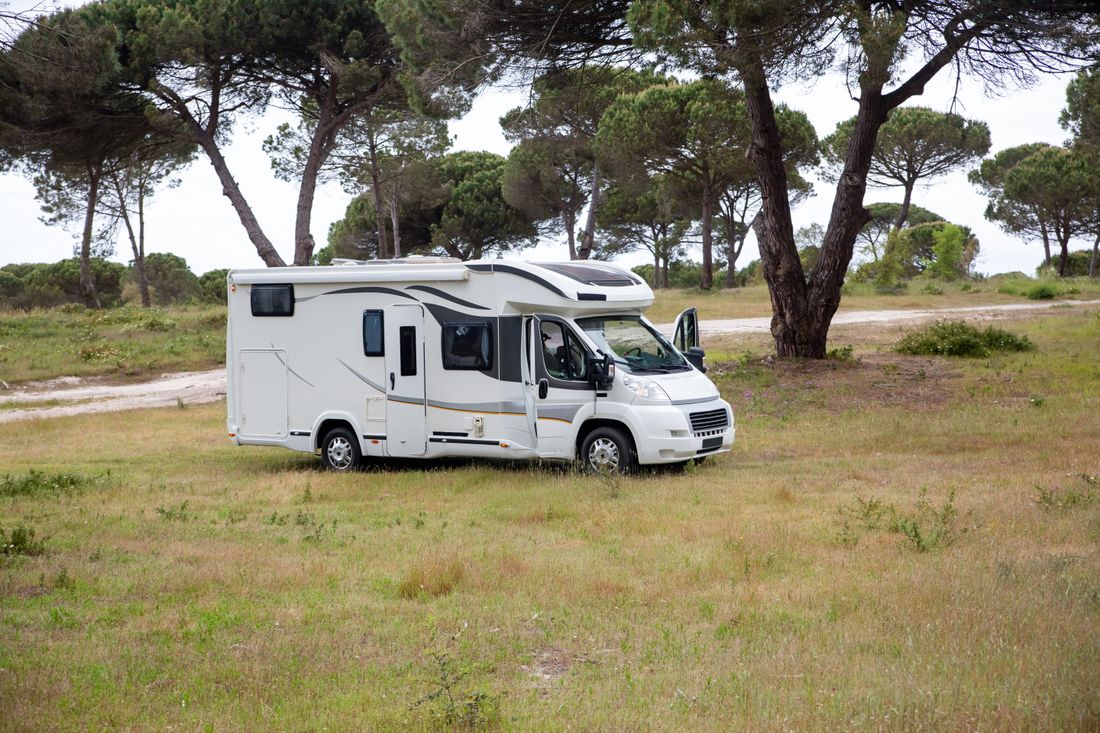
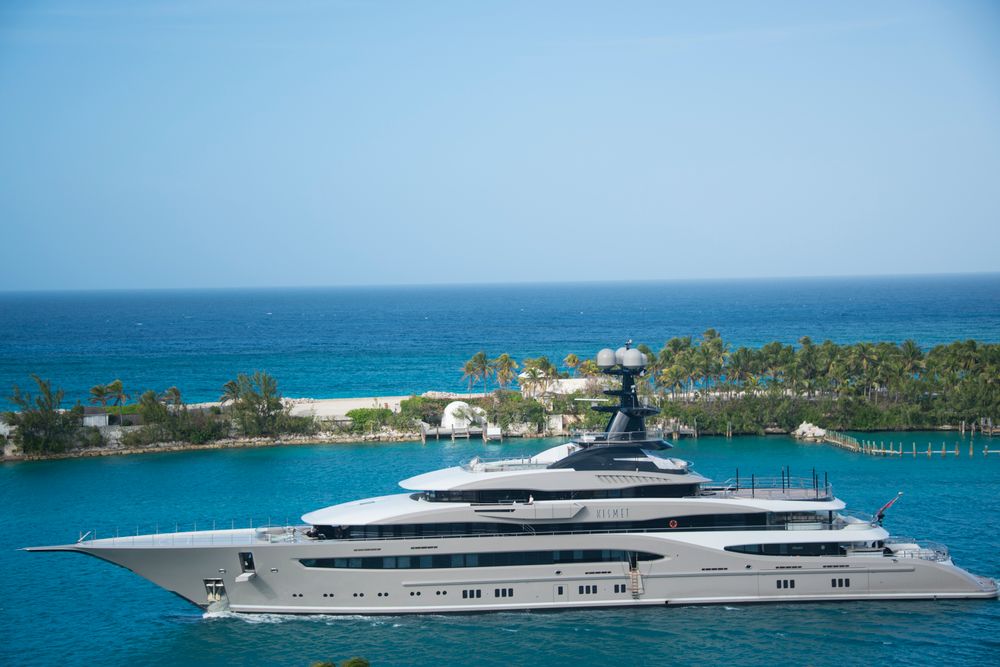

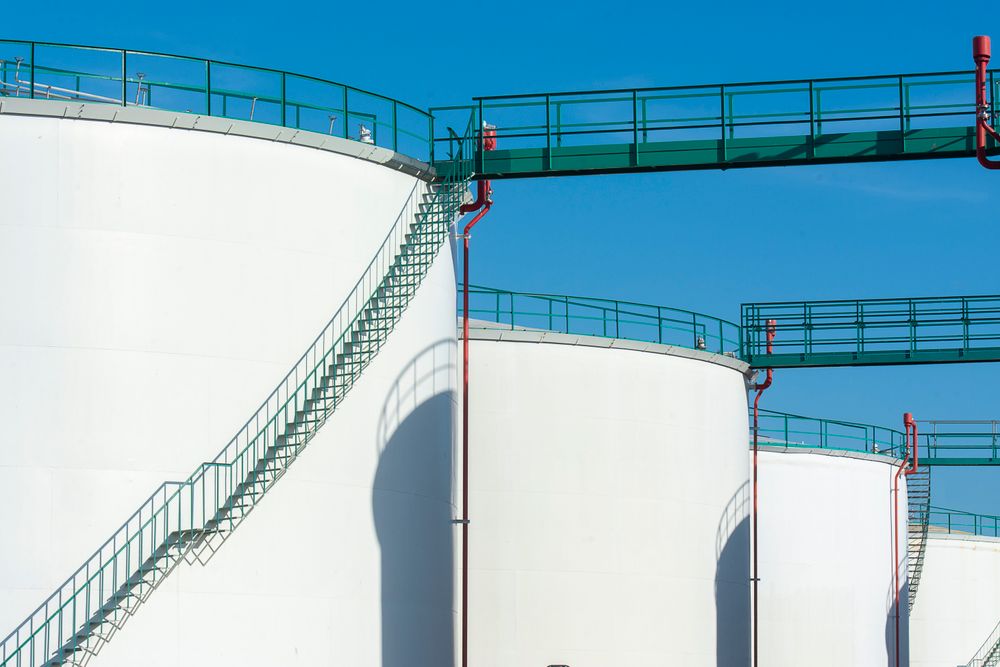

Chasing one specific problem instead? Black water & holding tanks · No-drill installations · Levels on your boat network
Questions
Before you choose
Which one should I buy if I only read this far?
Start from what you want to read. A number that falls as you use the tank is Gobius C. A warning when the liquid passes a fixed height, on a tank that must stay closed, is Gobius Pro. Then check the material in the comparison above.
Do I have to drill the tank?
Not on polyethelene or fiberglass: both sensors work from the outside, with the tank sealed and full. Metal is the one exception for Gobius C — radar cannot pass through it, so a metal tank needs a small port in the top. Gobius Pro reads metal from the side with nothing drilled. More in no-drill installations.
What liquids can Gobius measure?
Fresh water, grey water, black water, diesel, petrol and oil — the same sensors, C and Pro, for all of them. Nothing touches the liquid, so dirty or aggressive contents cause no wear, which is why holding tanks are such a common use.
I don't know how many litres / gallon my tank holds.
Add the Gobius Tank Calculator to a Gobius C. Fill the tank in small steps and it works out the true volume and the fill profile. It is a separate app, and it cannot be used with Gobius Pro.
How long does installation take?
Around fifteen minutes on a plastic or fibre glass tank: clean the surface, press the sensor on, calibrate in the app. The installation guides cover every case.
Ready to know what is in your tanks?
Order directly from us or find your nearest dealer. On a plastic or fibreglass tank, installation takes about 15 minutes.