


Guide · boats · 6 min read
How to test and replace a boat fuel sender unit
When the fuel gauge sticks, jumps or shows empty on a full tank, the sender unit is the usual suspect. How to test it, what to replace it with, and how to keep the gauge you already have.

What a fuel sender unit does
The sender sits in the fuel tank and turns the level into a resistance that the gauge at the helm can read. Most boats use one of two types: a float on an arm that swings with the level, or a tubular sender with a float that slides up and down a tube.
Both live in the fuel, and both wear out. Arms bend, floats soak up fuel and sink, and the contacts that slide along the resistor corrode. The gauge then sticks, jumps in a swell or reads empty with a full tank.
Gauge and sender must match
Most American marine gauges expect 240 Ω at empty and 33 Ω at full. Many European gauges run on a range of about 0 to 190 Ω. A sender with the wrong range gives a gauge that never reaches full or never reaches empty, so check the marking on your gauge before you buy anything.
Before you buy a new one
How to test a fuel sender
Ten minutes with a multimeter tells you whether it is the sender, the wiring or the gauge.
Safety: fuel vapour ignites easily, especially petrol. Ventilate the engine space, switch off the battery and keep sparks and flames away when you open a fuel tank.
- 01
Check the gauge first
With the ignition on, disconnect the sender wire at the back of the gauge (often marked S) and touch it briefly to ground. If the needle swings to the end of the scale, the gauge works and the fault is further down the line.
- 02
Measure the sender
Disconnect the wire at the sender and measure between its terminal and ground. On a 240–33 Ω system you should see around 240 Ω near empty and 33 Ω near full. A value that jumps, stays fixed or shows an open circuit means the sender is worn.
- 03
Check the ground
A corroded ground at the sender or the gauge gives the same symptoms as a bad sender. Clean the terminals and measure again before you replace anything.
- 04
Move the float by hand
If the sender can be lifted out, move the float while you watch the meter. A sticking arm or a float full of fuel is a clear answer.
Replacing it
Like for like, or measure from outside
A new float sender of the right length and resistance range is the cheapest fix. It also sits in the same fuel, so it will drift again in a few seasons for the same reasons, and fitting it means opening the tank, a new gasket and a fresh chance of leaks or fuel smell.
An external sensor avoids all of that:
- Gobius C with analog outputs reads the level with micro radar from the top of the tank and drives the gauge already in your panel, with 0–190 Ω or 240–33 Ω (0–5 V and 4–20 mA are also available). You see the exact level in the app as well.
- On a plastic or fibreglass tank, Gobius C sits on the top face and nothing is opened, through a wall up to 12 mm polyethylene or 8 mm fibreglass.
- On an aluminium or steel tank, radar cannot pass the metal, so Gobius C reads through a small port fitted with the Gobius adapter in the tank top.
- If only the side can be reached, Gobius Pro glues to the wall of any tank, metal included, and gives a low-fuel alarm at the height you choose.
Diesel, petrol and oil all read the same. For a tank that is moulded to fit the hull, the Tank Calculator turns the level into true litres or gallons.
Sensors
Keep the gauge, lose the float
Gobius C with analog outputs replaces the sender and keeps your gauge. Gobius Pro gives a low-fuel alarm through any wall.
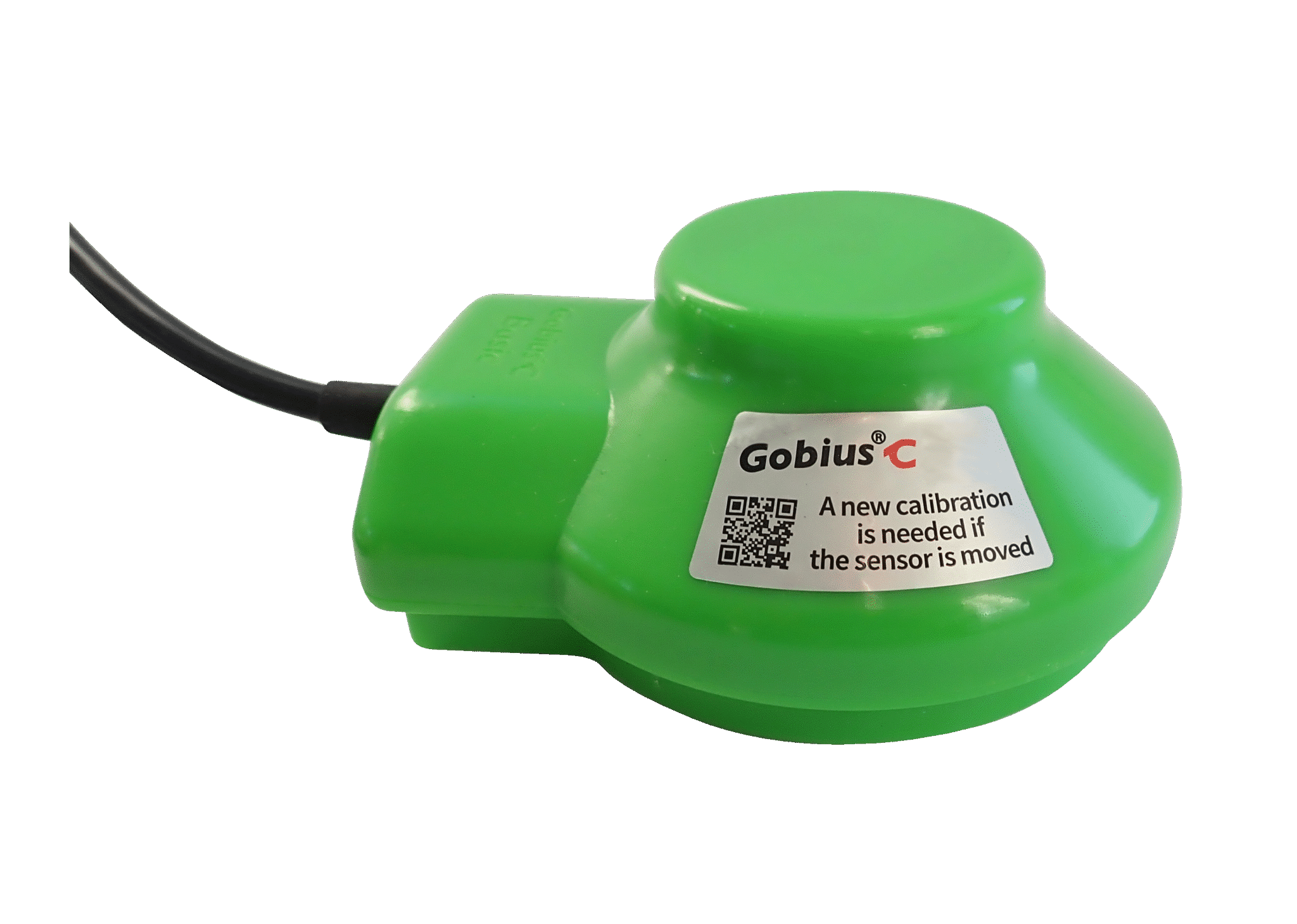
Gobius C, Basic, 0-100%
Plug and play installation. No disassembly of the tank is needed. Measures from the top, never risk of leakage. Complete system, everything included; sensor, 2 m cable, Quick Guide and a 3M cleaning wipe. Handles voltage of 12-24 Volts.…
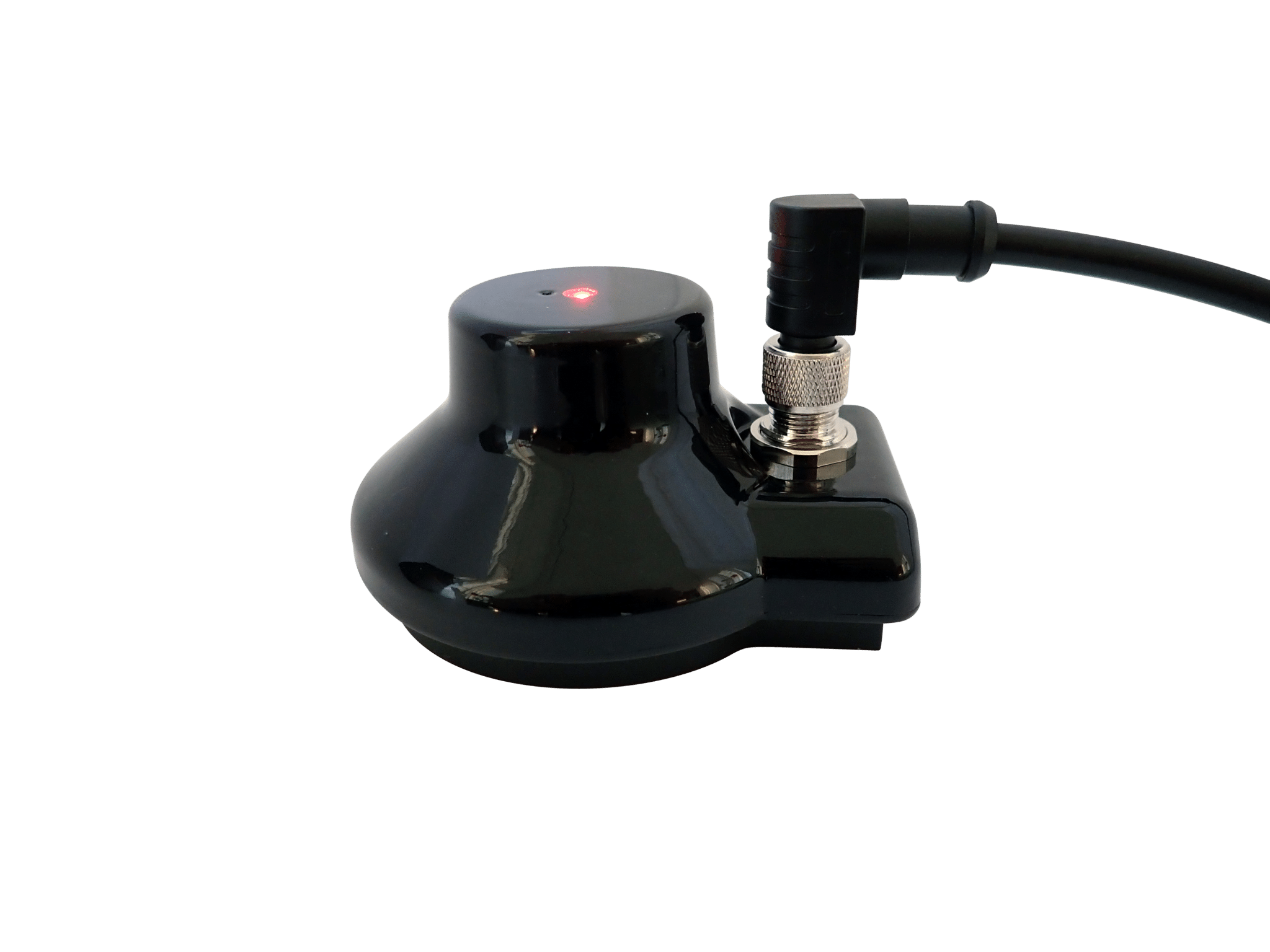
Gobius C, NMEA 2000, 0-100%
Plug and play installation. Can be connected direct to a NMEA 2000 networks. No disassembly of the tank is needed. Measures from the top, never risk of leakage. Complete system, everything included; sensor, NMEA 2000 cable, 3M cleaning…
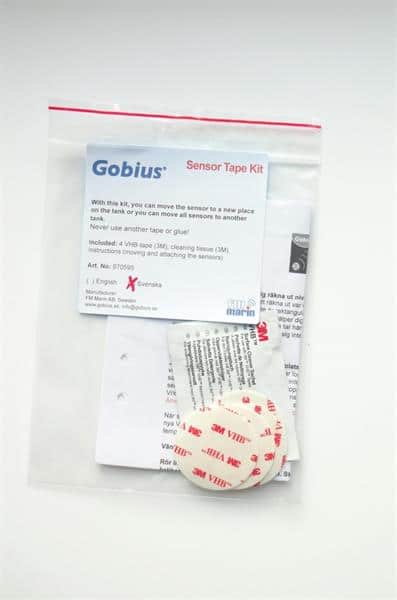
Sensor tape kit, Gobius and Gobius Pro
Useful for attaching Gobius and Gobius Pro sensors on the tank. Can't be used for Gobius C sensors.
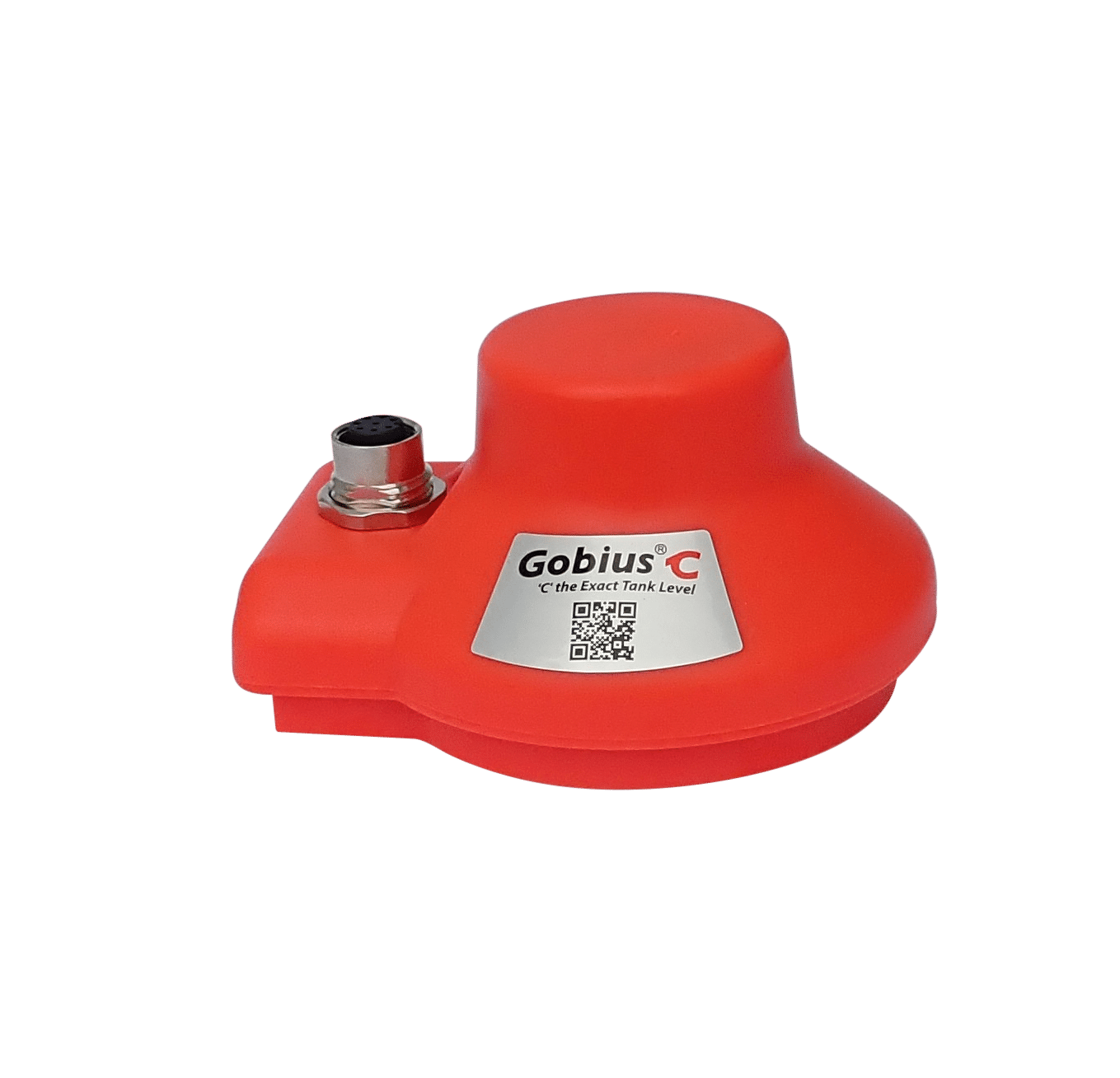
Gobius C, all analog outputs, 0-100%
Plug and play installation. No disassembly of the tank is needed. Measures from the top, never risk of leakage. Complete system, everything included; sensor, cable, 3M cleaning wipe. Handles voltage of 12-24 Volts. The sensor is mounted in…
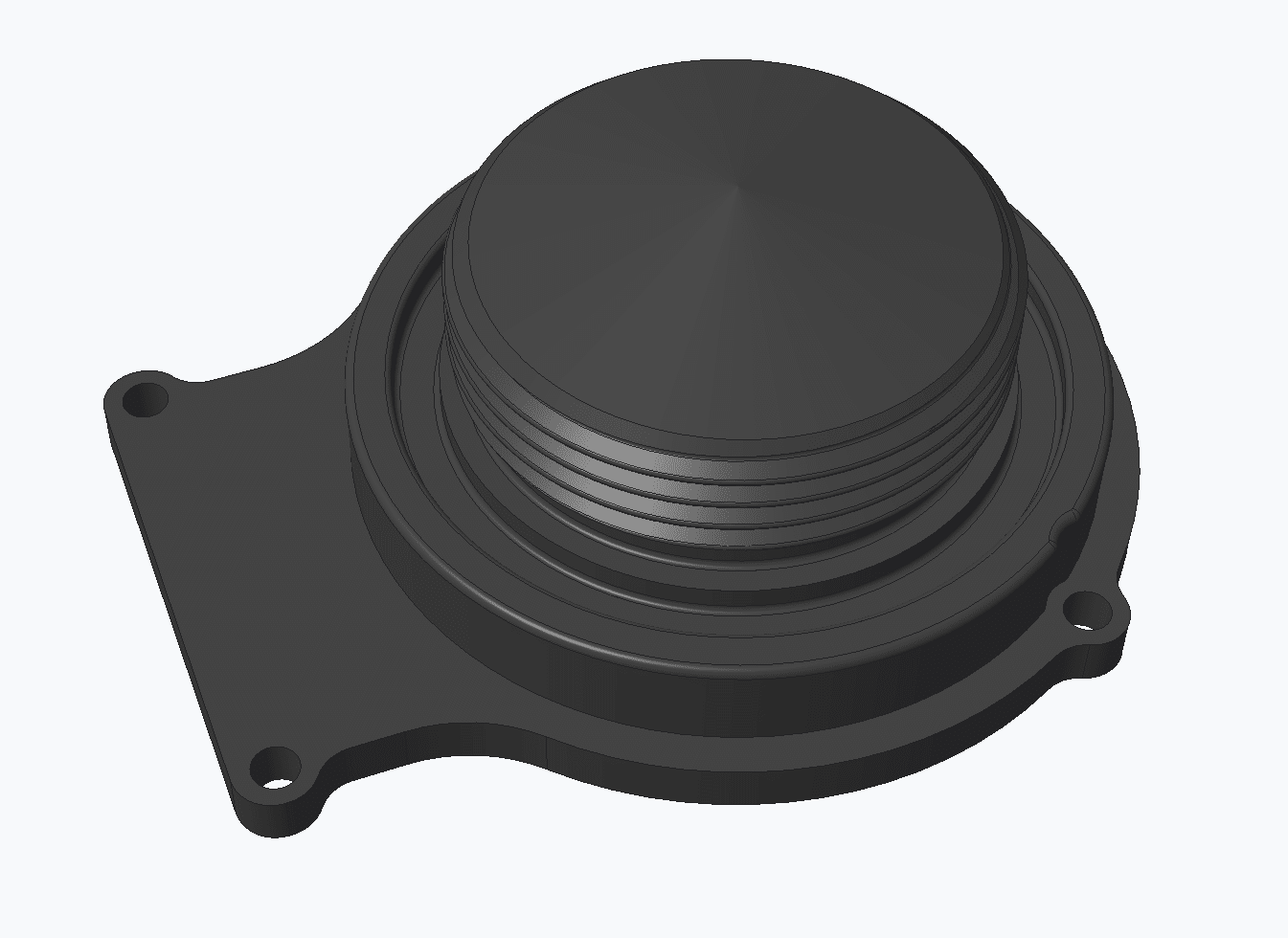
Gobius C adapter for metal tanks
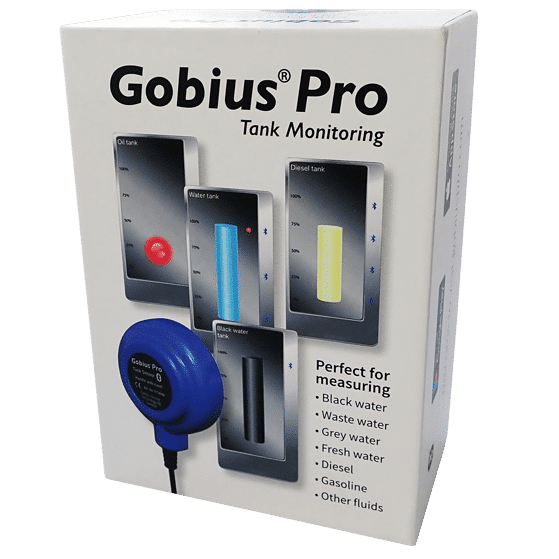
Gobius Pro with 1 sensor
Measuring from the outside the tank, nothing on the inside. Bluetooth and App for your phone included.
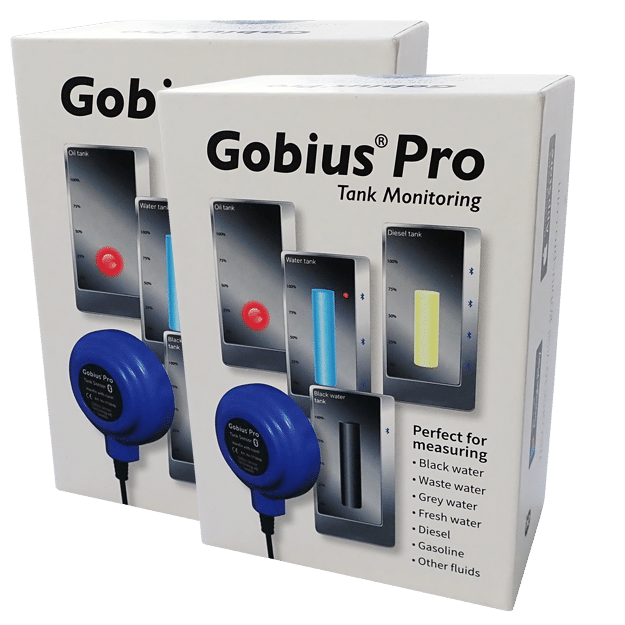
Gobius Pro with 2 sensors
Measuring from the outside the tank, nothing on the inside. Bluetooth and App for your phone included.
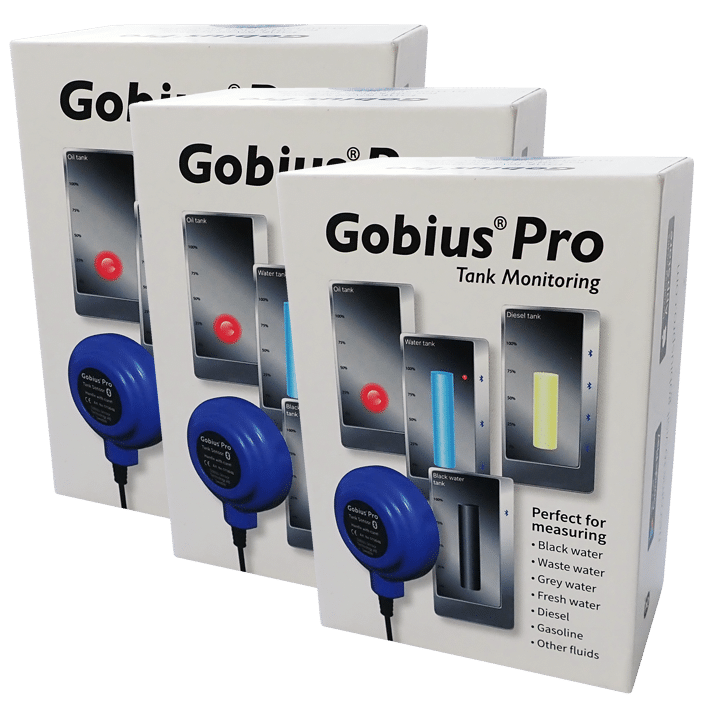
Gobius Pro with 3 sensors
Measuring from the outside the tank, nothing on the inside. Bluetooth and App for your phone included.
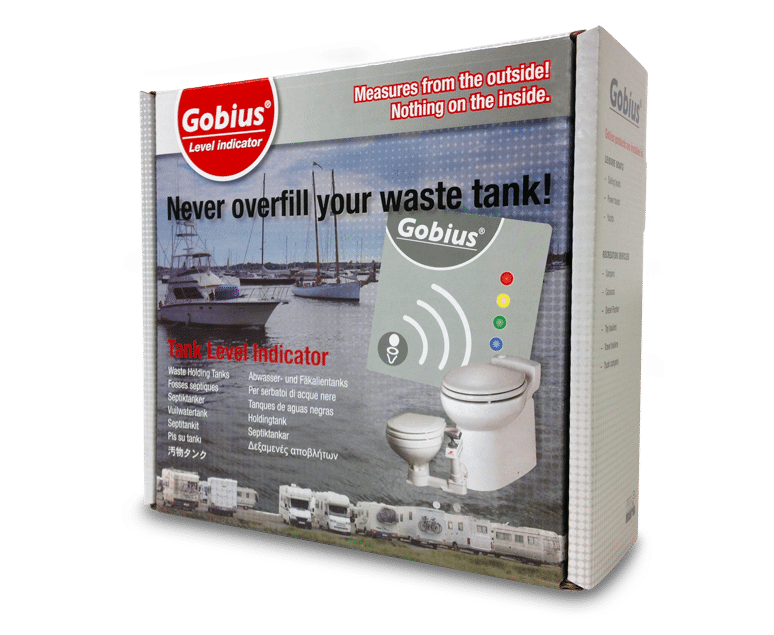
Gobius 4 for grey, black & waste tanks
Complete tank monitor system for grey, black and waste tanks, version 5.0.

Gobius 4 for water/fuel- & fluid tanks
Complete tank monitor system for water, fuel and other fluids.
Upgrade Gobius 1 to Gobius 4, grey, black & waste tanks
For waste tanks
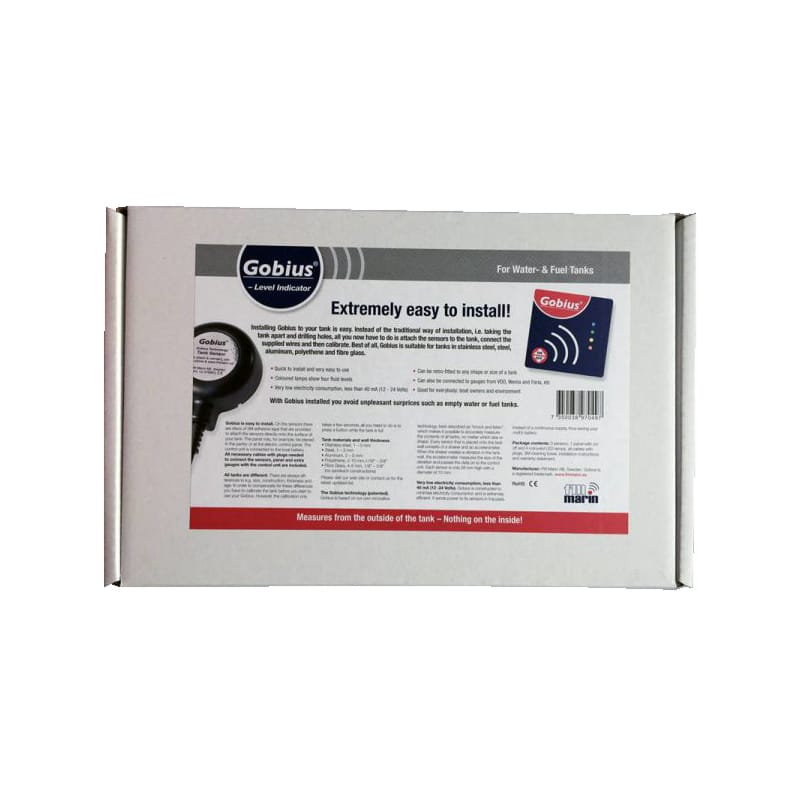
Upgrade Gobius 1 to Gobius 4 for water/fuel- & fluid tanks
For water/fuel- & fluid tanks, version 5.0.
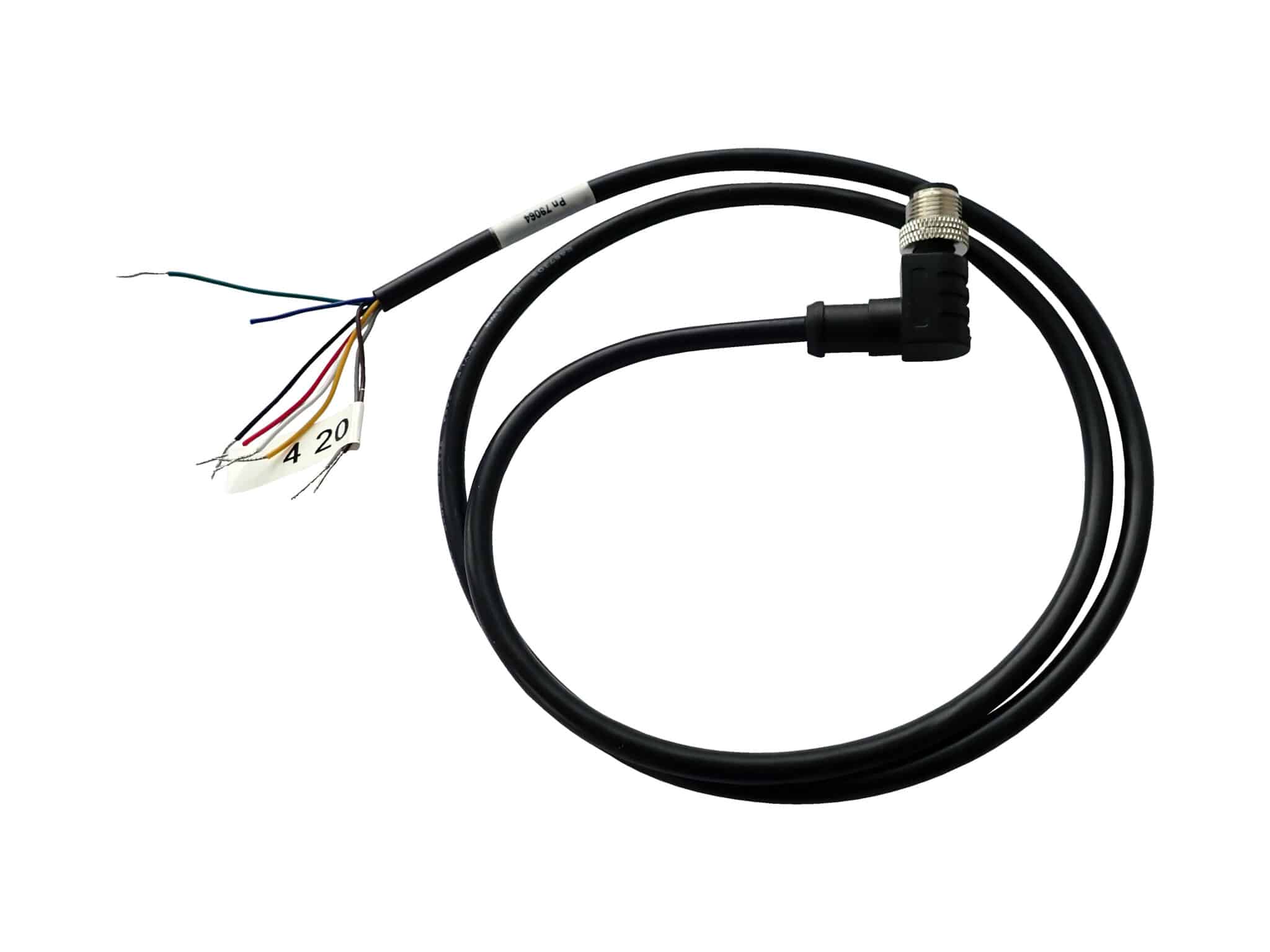
Gobius C, analog cable, 1 m, 8 pins (male)
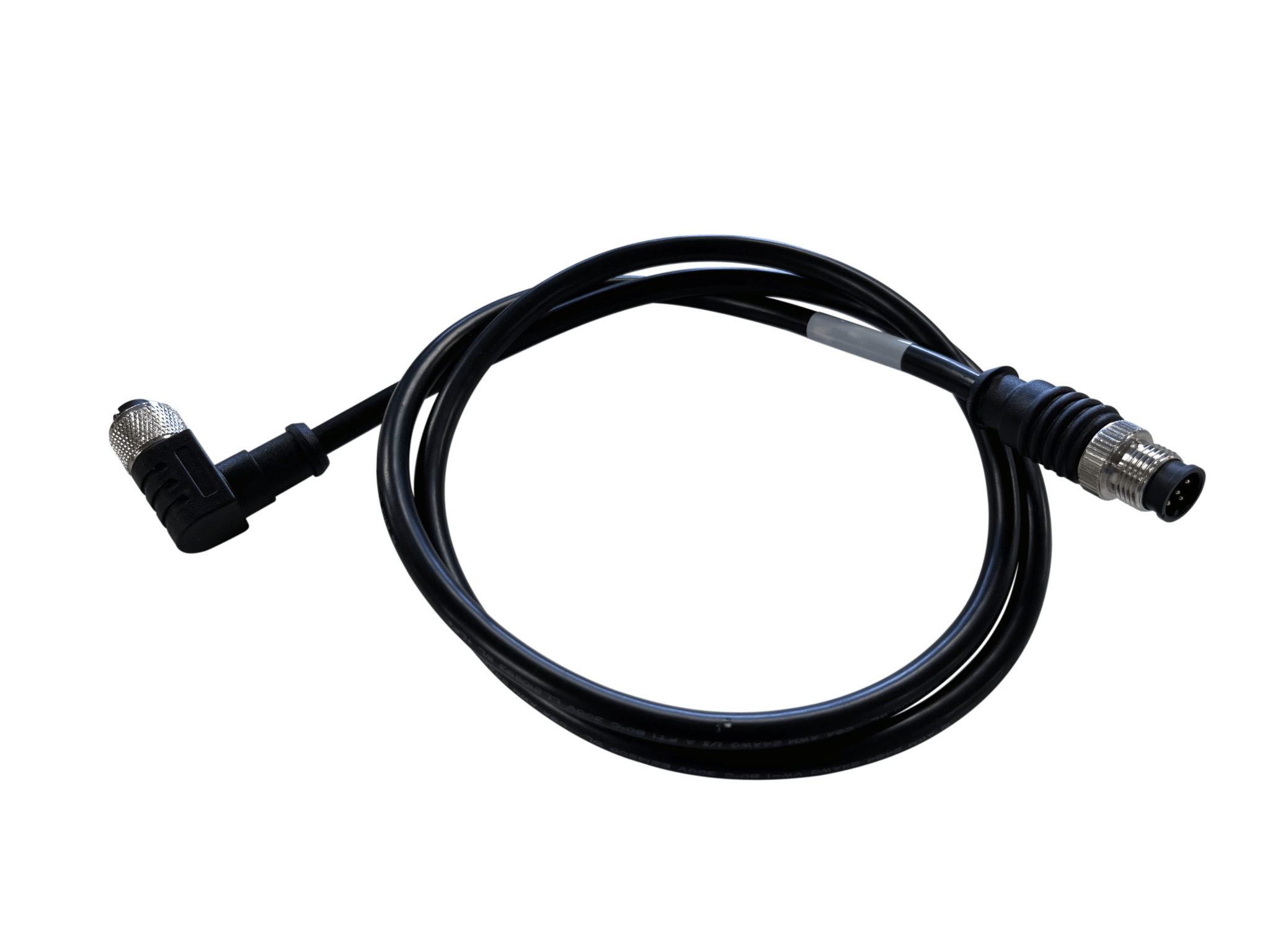
Gobius C, NMEA 2000 cable, 1 m, 12 pins (female)
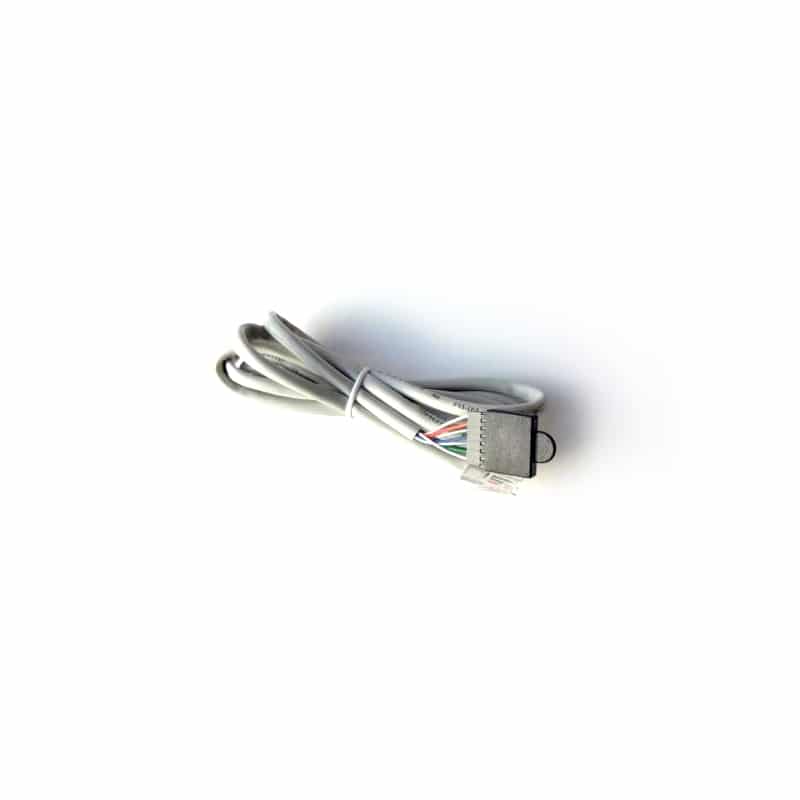
Gobius panel cable, 1,5 m
Used to connect the panel to the Control unit.

New Control unit for Gobius 1 and 4 for grey, black & waste tanks
Control unit for Gobius 1 and Gobius 4, Waste tanks, version 5.0.
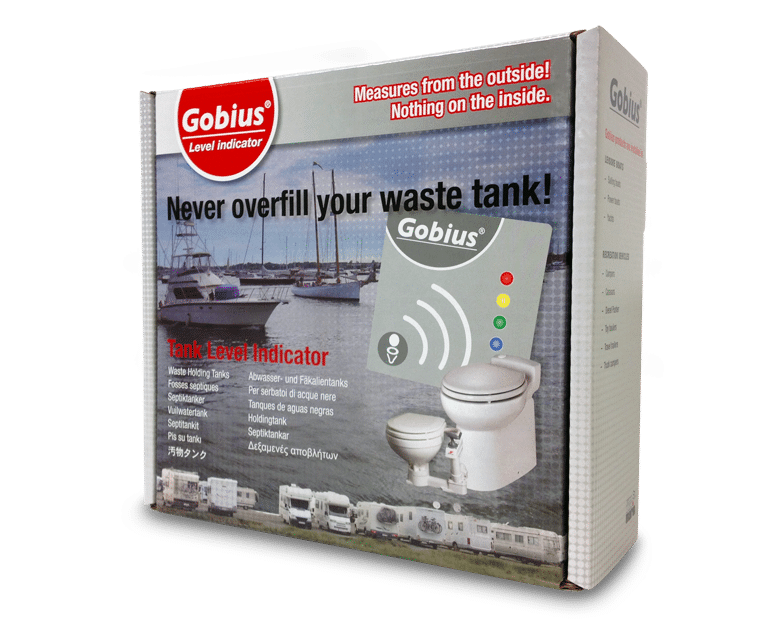
Upgrade your old Gobius to version 5.0
Step up to the version 5.0 of Gobius 4, Waste or Water/Fuel/Fluid.
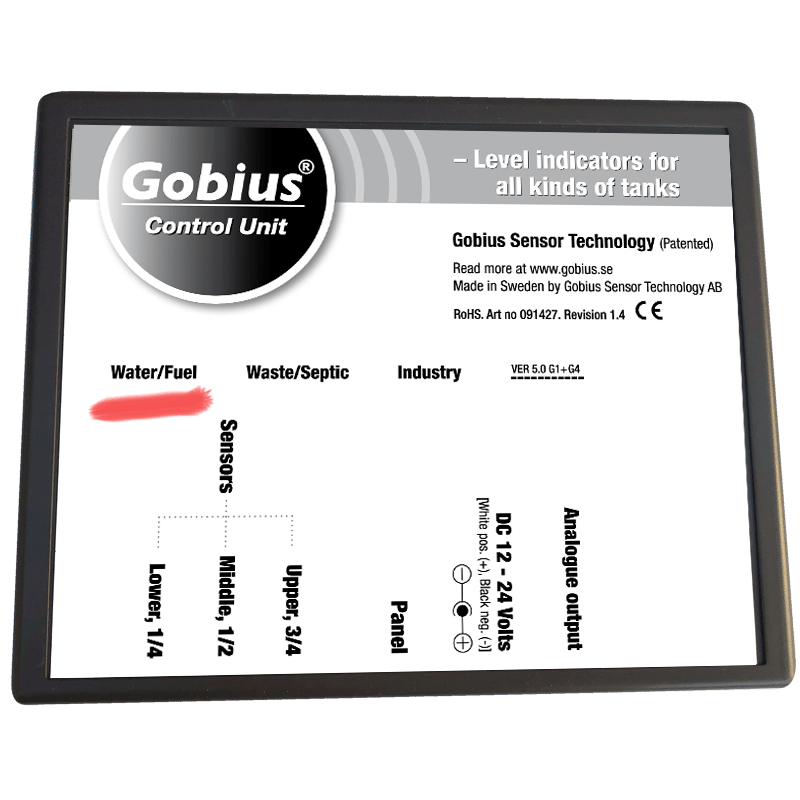
New Control unit for Gobius 1 and 4 for water/fuel- & fluid tanks
Control unit for water/fuel- & fluid tanks, version 5.0.
Gobius panel cable, 5 m
Used to connect the Panel to the Control unit.
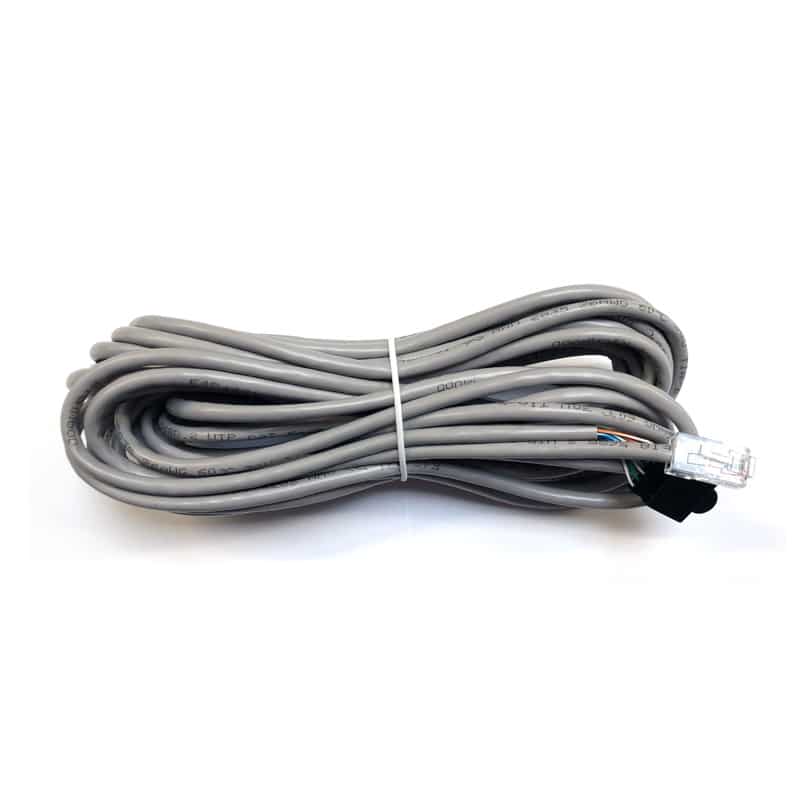
Gobius panel cable, 10 m
Used to connect the panel to the Control unit.
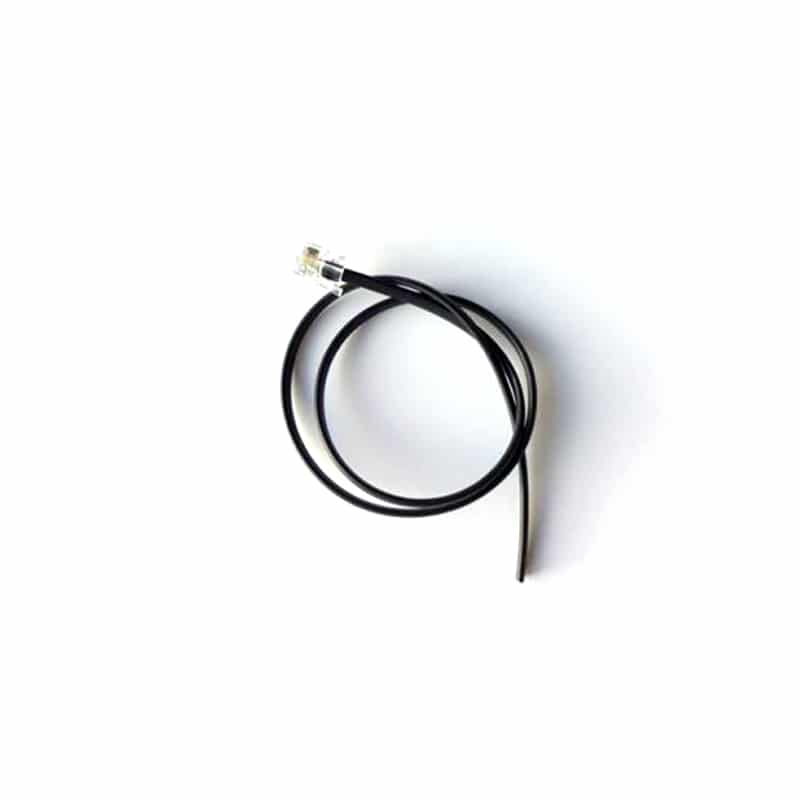
Analog cable, 0,5 m
Complete cable
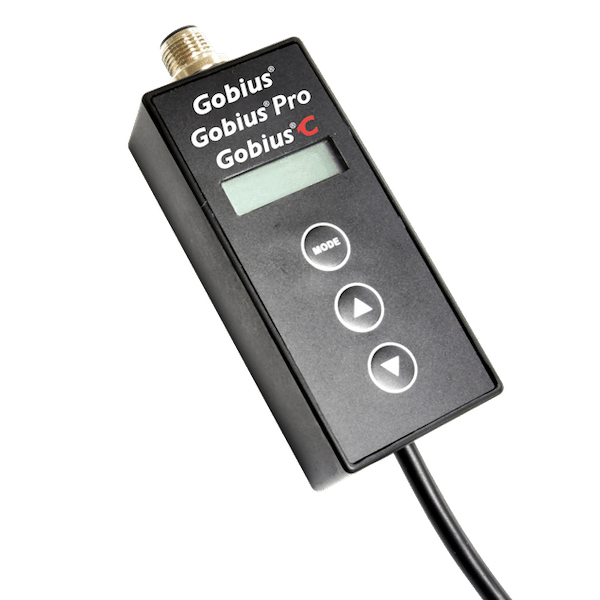
NMEA 2000 Converter
Converts tank data from Gobius and Gobius Pro to NMEA 2000 networks.
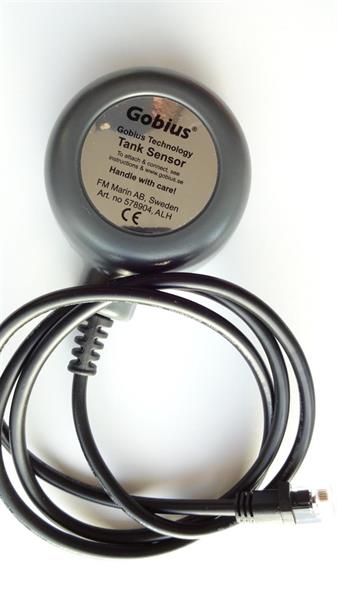
Gobius sensor with 1 m cable
1 meter cable lenght
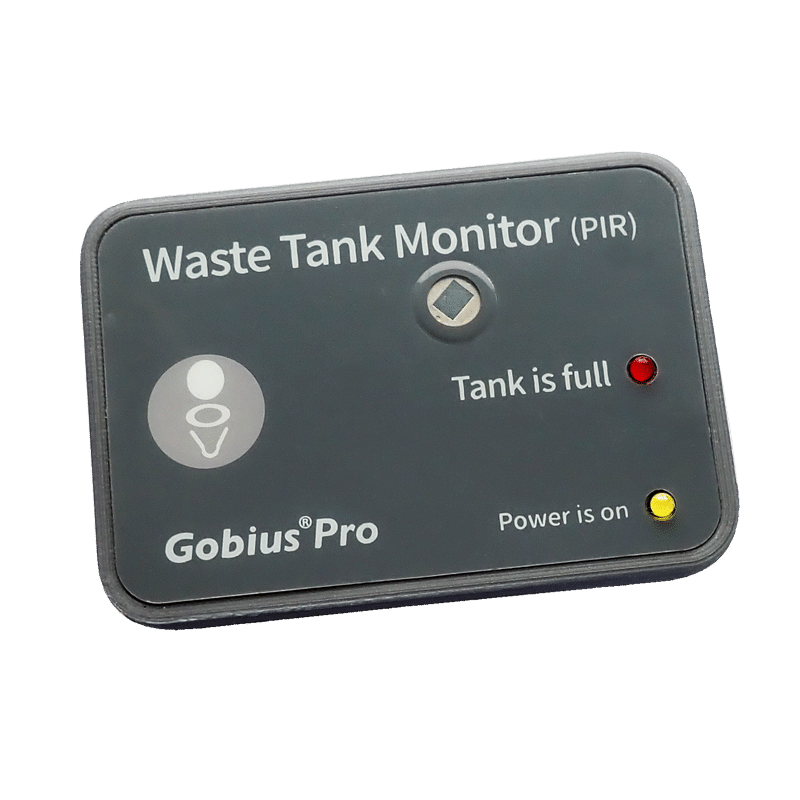
Gobius panel (PIR)
Smart overfill alarm panel with built-in motion sensor (PIR). Starts Gobius when you visit the toilet and switches off automatically after 60 seconds. Alarms when the waste tank is full. Only 12 Volt.
Gobius panel for grey, black & waste tanks
For Gobius 1 and 4, grey, black & waste tanks.
Gobius panel for water/fuel- and fluid tanks
For Gobius 1 and 4, for water/fuel- and fluid tanks.
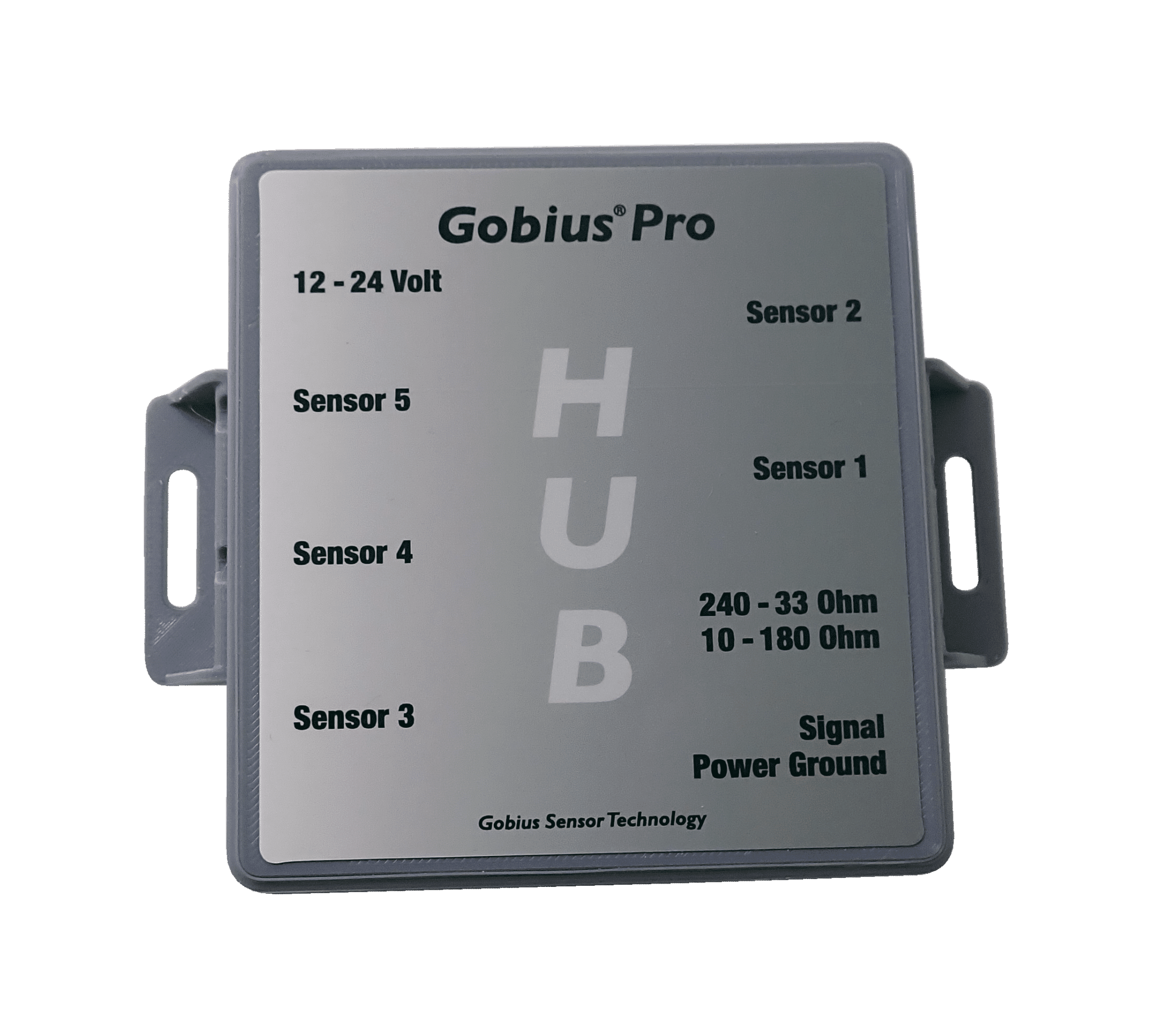
Hub for Gobius Pro sensors
Out signals: 10-180 Ohm and 240-33 Ohm. Read more about the Hub at Gobiuspro.com, Documentation.
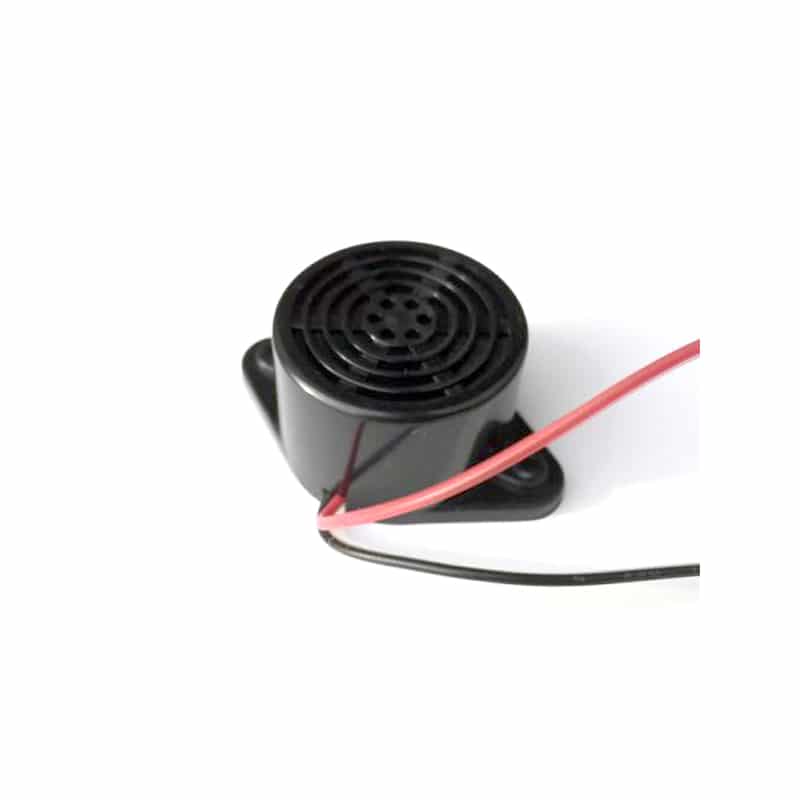
Audible alarm, buzzer
Suitable for all Gobius products, (version 3.0, 4.0 and 5.0) and also for Gobius Pro sensors.
Questions
Fuel senders: asked and answered
How do I know if my boat fuel sender is bad?
With the ignition on, disconnect the sender wire at the gauge and touch it to ground. If the needle swings to the end of the scale, the gauge works and the fault is the sender or its ground. Then measure the sender with a multimeter while the level changes.
What resistance should a boat fuel sender have?
It must match the gauge. Most American marine gauges use 240 Ω at empty and 33 Ω at full. Many European gauges use a range of about 0 to 190 Ω. Check the marking or manual of your gauge before you buy a sender.
Can I keep my fuel gauge if I fit an external sensor?
Yes. Gobius C with analog outputs drives existing gauges with a 0–190 Ω or 240–33 Ω signal, and also shows the exact level in the Gobius app.
Does an external fuel sensor work on an aluminium tank?
Radar cannot pass metal, so on an aluminium or steel tank Gobius C reads through a small port with the Gobius adapter in the tank top. Gobius Pro reads through aluminium up to 5 mm from the outside, as alarm points at the heights you choose.
Fuel you can plan around
Measured from outside the tank, shown on the gauge you have and in the app.